Start with up to 10 customers for $0/month. Upgrade only when you grow.
Keep every support request in one place.
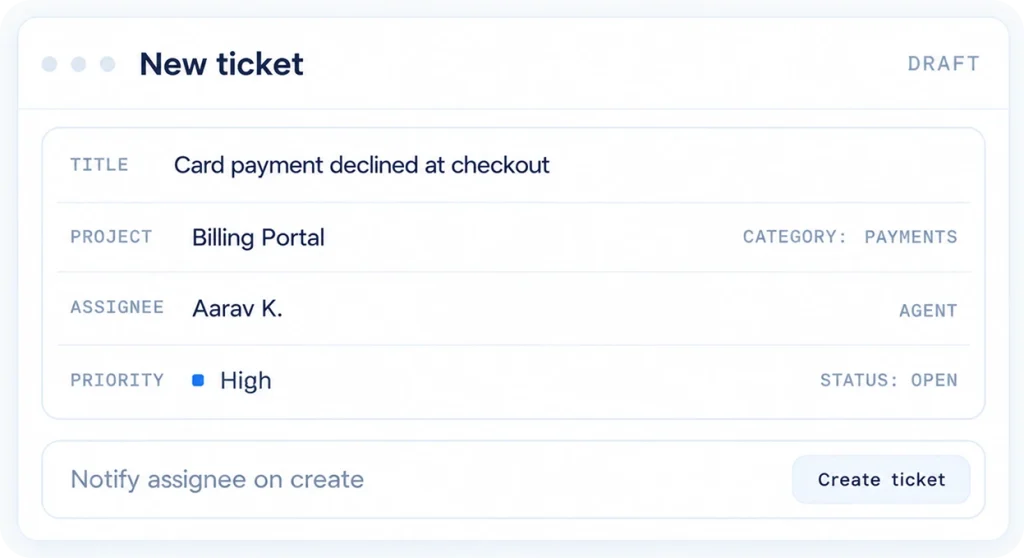
Stop managing customer issues and internal requests across scattered emails and chats. Create tickets, assign ownership, set priorities, collaborate, and track every issue from open to closed.

Support gets messy when everything lives everywhere.
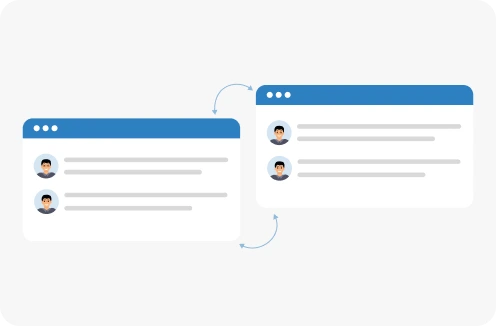
A customer emails one person. Someone reports an internal issue in chat. Another request gets forwarded to a different team member.
-


Requests get missed
Requests arrive by email, chat and direct message, and some never reach the person who can resolve them.
-


Ownership is unclear
Nobody is sure who is handling an issue, so it gets picked up twice or not at all.
-


Visibility disappears
It becomes difficult to see what is open, in progress, resolved, or closed.
-

Priorities get mixed up
Urgent issues wait behind routine ones because there is no shared view of what matters most.
One place to manage every ticket.
Ticket Pro gives your team a central workspace for managing customer support requests and internal issues. Create projects and categories, raise tickets, assign agents, set priority
Ticket pro gives your team a central workspace for managing customer support requests and internal issues. Create projects and categories, raise tickets, assign agents, set priority
Ticket pro gives your team a central workspace for managing customer support requests and internal issues. Create projects and categories, raise tickets, assign agents, set priority

-
Know what needs attention.
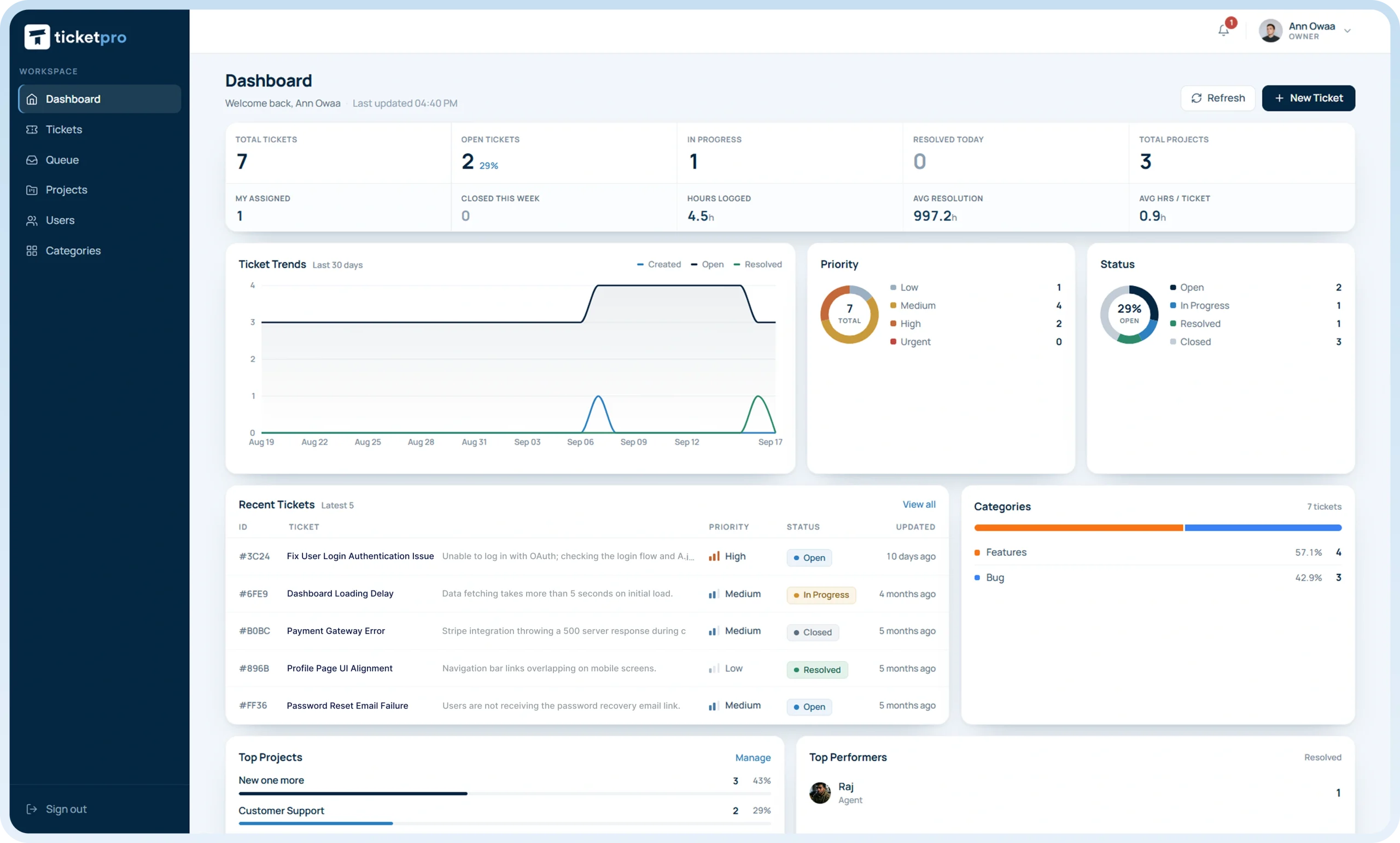
See tickets by project, priority, status, and ownership.
-
Know how support is performing.
Use dashboard summaries, reports, and basic analytics to monitor activity.
-
Know who owns the issue.
Assign tickets to agents or teams so responsibility is clear.
-
Know what is happening.
Comments, notifications, and status updates keep everyone informed.
- Start with up to 10 customers for $0/month. Upgrade only when you grow.

Everything you need to keep support organized.
No scattered requests. No guessing who owns what. Just a clear workflow from ticket creation to resolution.
-
Tickets that stay trackable
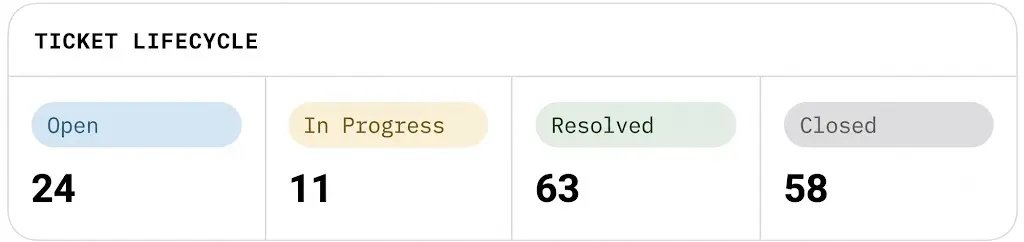
Create support tickets and follow them from Open through In Progress, Resolved, and Closed.
-
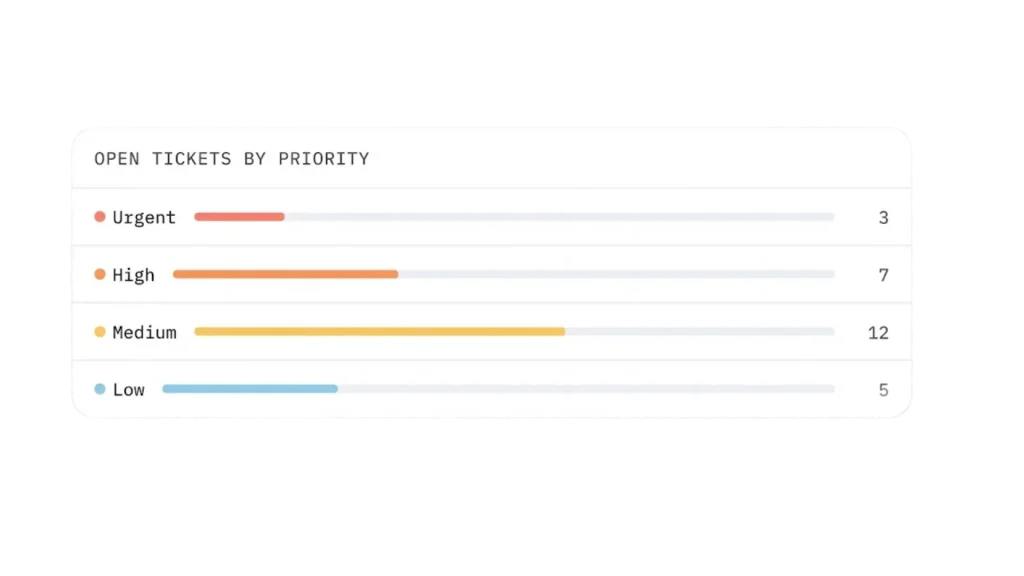
Clear priorities
Mark every ticket as Low, Medium, High, or Urgent so your team knows what deserves attention first.
-
Projects & categories
Organize tickets into projects and categories to keep different types of requests separated and easier to manage.
-
Clear assignment
Assign tickets to agents or teams so everyone knows exactly who is responsible.
-
Team communication
Keep conversations connected to the ticket through comments instead of spreading discussions across different channels.
-
Role-based access
Give each user the right experience with dedicated Admin, Agent, and Client roles.
-
Real-time notifications
Keep users informed when important ticket activity happens.
-
Dashboard & reports
View ticket and project summaries, activity, and use basic analytics to understand what is happening across your support operation.



From request to resolution in a few simple steps.
A customer emails one person. Someone reports an internal issue in chat. Another request gets forwarded to a different team member.
-

1. Set up your projects
Create projects and categories based on the way your organization manages support.
-
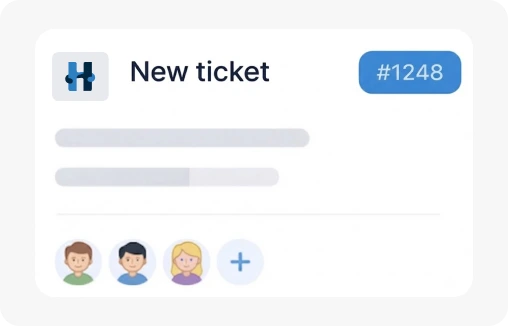
2. Raise a ticket
Clients or team members create a ticket with the issue they need help with.
-
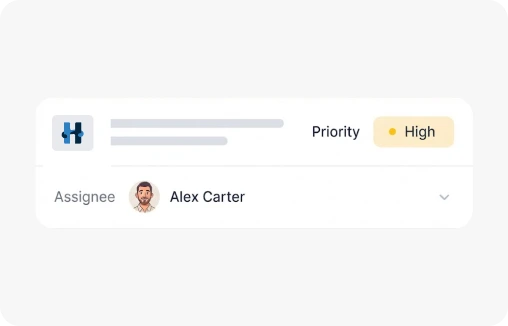
3. Assign & prioritize
Assign the ticket to an agent or team and set its priority from Low to Urgent.
-
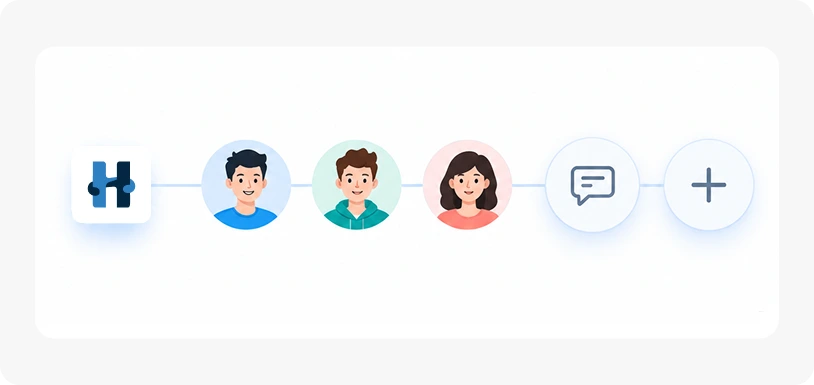
4. Work together
Agents manage the issue, add comments, receive notifications, and update the ticket as work progresses.
-
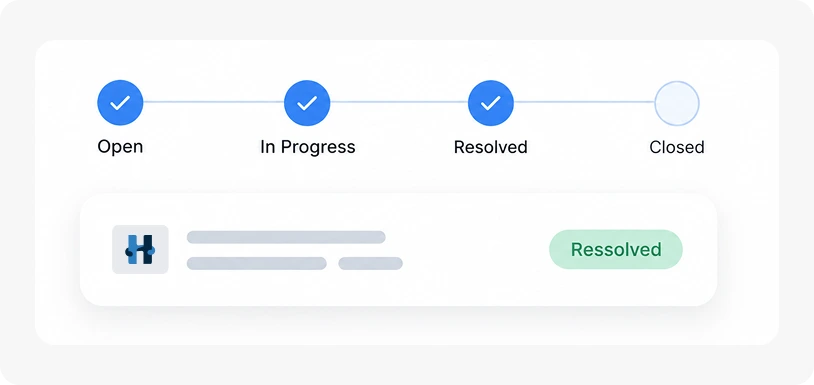
5. Resolve & track
Move the ticket through Open → In Progress → Resolved → Closed while keeping a clear record of its progress.
The right view for everyone involved.
Different users need different levels of access. TicketPro provides dedicated roles for the people managing, resolving, and submitting requests.
-
USERS Manage agents & clients 42PROJECTS Billing, IT, Onboarding 6REPORTS weekly activity summary ↗
Admin
Stay in control of the support operation.
Admins can oversee projects, categories, tickets, users, assignments, priorities, statuses, reports, and overall ticket activity.
Best for: Support managers, IT administrators, business owners, and team leads.
-
HD-1042 Login Fails after reset UrgentHD1039 Add user to finance MediumHD-1031 Refund not received High
Agent
Focus on the tickets that need action.
Agents can work on assigned tickets, communicate through comments, update progress, and move issues toward resolution.
Best for: Customer support staff, IT support teams, and internal service teams.
-
MY REQUEST Invoice PDF issue OPENUPDATE Agent replied 09:26 NEWSTATUS In Progress ↗
Client
Raise requests and follow their progress.
Clients can submit tickets and stay informed as their requests move through the support process.
Best for: Customers, employees, departments, or anyone submitting support requests.
TicketPro pricing that takes seconds to understand.
Start free. Pay only when you need to support more customers.
-
Free
$0 /month
For teams supporting up to 10 customers.
Start with FreeThis plan includes:
- Up to 10 customers
- Ticket creation and tracking
- Projects and categories
- Agent or team assignment
- Ticket priorities and statuses
- Comments
- Admin, Agent, and Client roles
- Real-time notifications
- Dashboard summaries
- Reports and basic analytics
-
Starter
$12 /month
For teams supporting up to 10-50 customers.
Start with StarterThis plan includes:
- Support for 10-50 customers
- Ticket creation and tracking
- Projects and categories
- Agent or team assignment
- Ticket priorities and statuses
- Comments
- Admin, Agent, and Client roles
- Real-time notifications
- Dashboard summaries
- Reports and basic analytics
-
Growth
$25 /month
For teams supporting up to 50-200 customers.
Start with GrowthThis plan includes:
- Support for 50-200 customers
- Ticket creation and tracking
- Projects and categories
- Agent or team assignment
- Ticket priorities and statuses
- Comments
- Admin, Agent, and Client roles
- Real-time notifications
- Dashboard summaries
- Reports and basic analytics
Supporting more than 200 customers?
Need a plan for a larger team or customer base? Talk to us about a custom plan.
What teams could say about their support workflow.
Replace with verified customer testimonials before publishing. Names, titles and ratings below are illustrative.
It gives us a much cleaner way to manage internal support requests without making the process complicated.
Every request now has an owner and a priority. Nothing sits in an inbox waiting to be noticed.
Comments on the ticket replaced three separate chat threads. The whole history sits in one place.
Every recommendation was focused on preserving our legacy rather than chasing short-term returns. That’s exactly the perspective we were looking for.
We finally have one place to see what is open, who owns each request, and what needs attention next.
Our clients can see exactly where their request stands without emailing us for an update.
Customers can raise requests and our team can manage everything through one clear workflow.
The dashboard shows me what is open and what is urgent before the day starts.
Setting up projects and categories took an afternoon, and the queue has been organized ever since.
Trusted by teams that want simpler support
Replace with verified customer or company logos once permission is in place.




Frequently asked questions
Everything about plans, roles, statuses, and priorities in one place.

-
Plans start free and scale with the number of customers you support: $0, $5 or $10 a month. There is no per-seat charge, so your whole team is included on every plan.
-
A customer is a person or company you raise tickets for. Agents, admins and other members of your own team are not counted, so only the people you support affect your plan.
-
Yes, The free plan covers up to 10 customers with every core feature included, and needs no card to begin. Upgrade only once you outgrow it.
-
Anything you would otherwise track by email or chat: customer requests, internal IT issues, onboarding tasks and billing queries. Projects and categories keep them separated.
-
Yes. Tickets can be assigned one of four priority levels:
• Low • Medium • High • Urgent
Stop letting support requests get lost.
Start with up to 10 customers for $0/month and move to $12 or $25/month as your support needs grow.